
Sevenns: Brain-Teasing Puzzle Fun
Overview
Sevenns, developed by Commuter Games Limited, is a free-to-play desktop puzzle game designed to challenge logical thinking and problem-solving skills. The game blends elements of crosswords, anagrams, and Venn diagrams into a compact, engaging experience. Players are tasked with placing tiles into the correct sections of a Venn diagram based on clues and logical deduction.
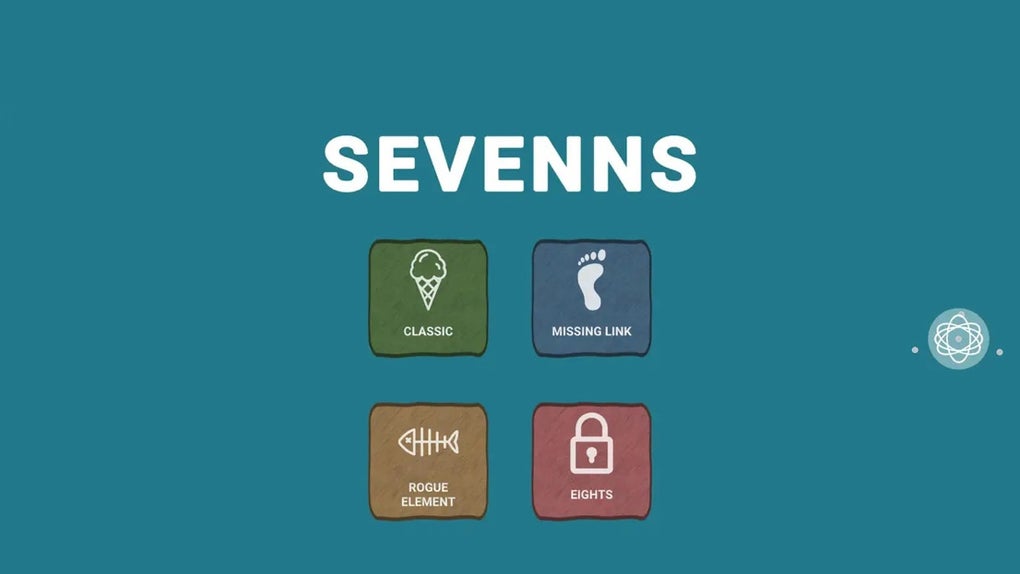
With four distinct game modes—Classic, Missing Link, Rogue Element, and Eights—Sevenns offers varied difficulty levels and puzzle structures, ensuring replayability and sustained engagement. The game is tailored for casual gamers and puzzle enthusiasts seeking mental stimulation without distractions. It is particularly suited for users who enjoy logic-based challenges and appreciate clean, ad-free gameplay.
Real-world usage scenarios include short breaks during work, commuting, or dedicated puzzle-solving sessions. The developer did not provide additional system requirements beyond the operating systems, and exact performance details were not specified.
Key Features & Capabilities
- Four Unique Game Modes: Each mode introduces a different twist on the core mechanic, offering diverse challenges. Classic focuses on standard logic puzzles, while Missing Link requires connecting clues across overlapping sections. Rogue Element introduces unpredictable tile behavior, and Eights adds a numerical constraint to the placement logic.
- Integrated Puzzle Types: The game combines crossword-style clues, anagram decryption, and Venn diagram logic, requiring players to analyze multiple layers of information to solve each puzzle.
- Ad-Free Experience: Sevenns does not include advertisements, allowing uninterrupted gameplay and a focused mental environment.
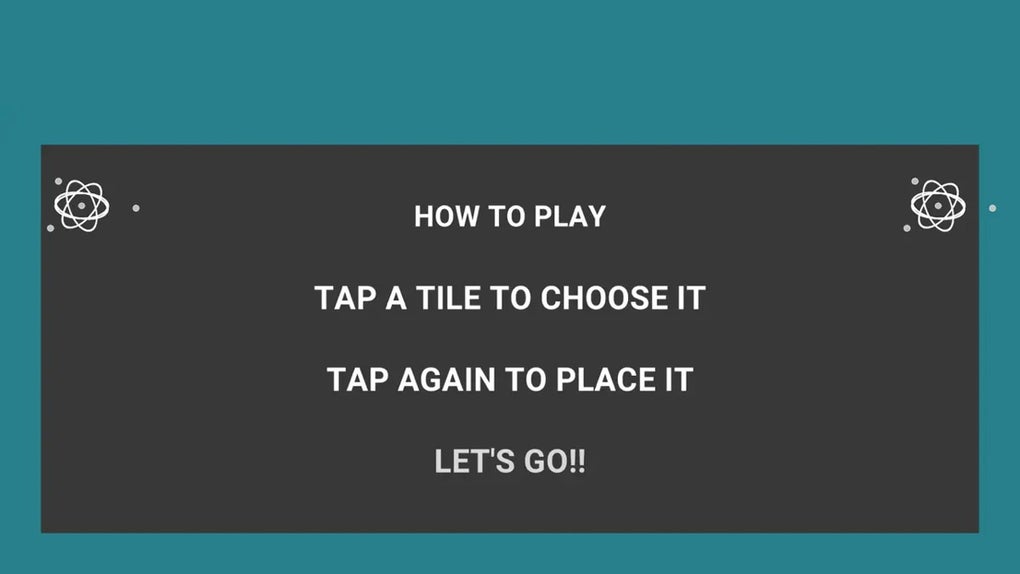
- Intuitive Touch-Based Controls: Players tap tiles to pick them up and place them in designated areas of the Venn diagram, simplifying interaction despite the complexity of the puzzles.
- Progressive Difficulty: Puzzles increase in complexity as players advance, encouraging skill development and sustained engagement.
These features cater to users who enjoy analytical thinking and pattern recognition. The integration of multiple puzzle types ensures that no two challenges feel identical. For example, solving a clue may require rearranging letters into a word (anagram), then determining which category it fits into based on overlapping sets (Venn logic). This layered approach enhances cognitive engagement and provides a rich, immersive experience without requiring external tools or resources.
User Interface, Workflow & Performance
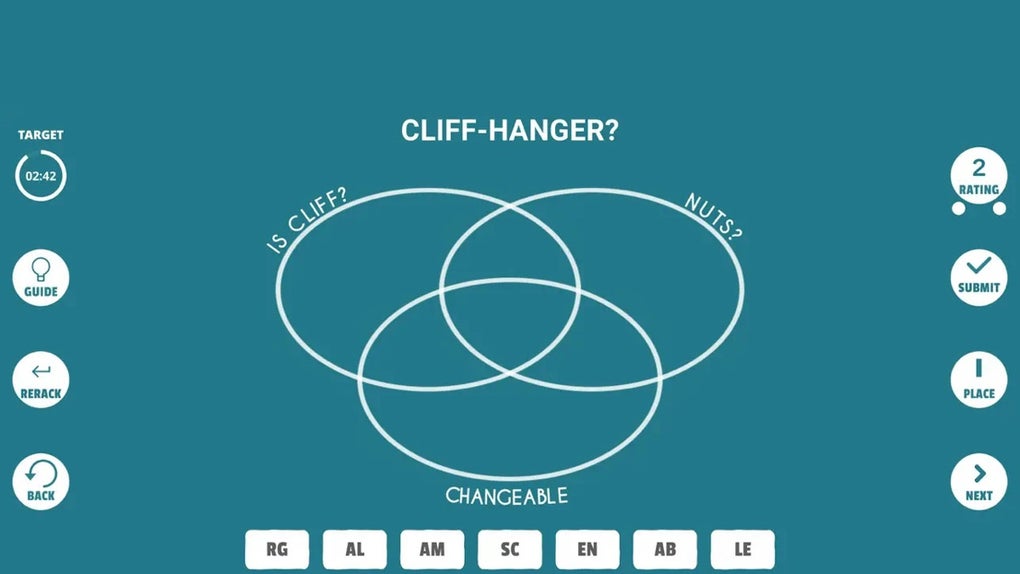
The user interface of Sevenns is clean and minimalistic, designed to reduce visual clutter and keep focus on the puzzle at hand. The Venn diagram is clearly visualized, with labeled sections and distinct color coding for each set. Tiles are displayed at the bottom of the screen, each with a visible clue or letter sequence.
Navigation is straightforward: players tap to select a tile and tap a designated area to place it. The workflow is linear and intuitive, allowing users to progress through puzzles with minimal friction. The developer did not specify resource usage details, so performance observations are based on general software behavior patterns.
The game is expected to run efficiently on modern systems given its 50 MB installation size. Stability is presumed to be consistent, as no reports of crashes or bugs were mentioned. CPU and RAM usage are not publicly documented, but the lightweight nature of the application suggests low system impact.
Compatibility & System Requirements
Sevenns is compatible with both Windows and Mac operating systems. The software version is 1.0.0, with an installation size of 50 MB. The developer did not provide additional system requirements, such as minimum RAM, processor speed, or graphics specifications.
Exact compatibility details for older or newer OS versions were not listed. Platform compatibility information is limited to the two major desktop platforms. Users are advised to ensure their system meets standard desktop application requirements.
The developer did not specify whether the software supports multi-monitor setups or high-DPI displays. Performance on different hardware configurations remains unverified.
Pros and Cons
Pros
- Free-to-play with no advertisements
- Four distinct and varied game modes
- Combines multiple puzzle types into a cohesive experience
- Minimalist, distraction-free interface
- Low installation size (50 MB)
Cons
- No information on system requirements beyond OS compatibility
- Exact performance metrics not provided
- Limited visual feedback for incorrect placements
- May be too challenging for casual puzzle players
FAQ Section
Is Sevenns available for both Windows and Mac?
Yes, Sevenns is compatible with both Windows and Mac operating systems.
Is the software free to download and use?
Yes, Sevenns is free-to-play and does not require any payment for access to its core features.
Does Sevenns include ads or in-app purchases?
No, the game is completely ad-free and does not feature in-app purchases.
How often are updates released?
The developer has not specified a release schedule for updates. The current version is 1.0.0.
Can Sevenns be used offline?
Yes, the game does not require an internet connection once installed, allowing for offline play.
Final Thoughts + CTA
Sevenns stands out as a thoughtfully designed puzzle game that delivers intellectual challenge without distractions. Its blend of crossword clues, anagrams, and Venn diagram logic creates a unique experience that appeals to serious puzzlers and casual brain trainers alike. The absence of ads and the variety of game modes enhance its replay value.
While system requirements and performance data are not detailed, the lightweight footprint and clean interface suggest broad accessibility. For users seeking a mentally stimulating, ad-free desktop puzzle experience, Sevenns is a strong contender. Download Sevenns now and test your logic skills today.







